Making Your Website Accessible: A Practical Guide to WCAG Compliance
Learn how to make your website WCAG-compliant with our practical guide to accessibility, covering alt text, keyboard navigation, and more.
Making Your Website Accessible: A Practical Guide to WCAG Compliance
Building a website that everyone can use isn't just a nice-to-have—it's a must in today's inclusive digital world. Accessibility ensures your site is usable by people with disabilities, boosts SEO, and can even keep you out of legal hot water. The Web Content Accessibility Guidelines (WCAG) are the gold standard for making this happen. This guide breaks down practical steps to make your website WCAG-compliant, from alt text to keyboard navigation, so you can create a welcoming experience for all users. At The Bearded Developer, we've helped businesses make their sites accessible, and we'll show you how to do it without breaking a sweat.
Why care about accessibility? Beyond doing the right thing, it expands your audience—over 1 billion people worldwide have disabilities. WCAG compliance also improves your site's SEO (Google loves accessible sites) and reduces legal risks, as non-compliance can lead to lawsuits in some regions. Let's dive into a clear plan to make your site inclusive and user-friendly.
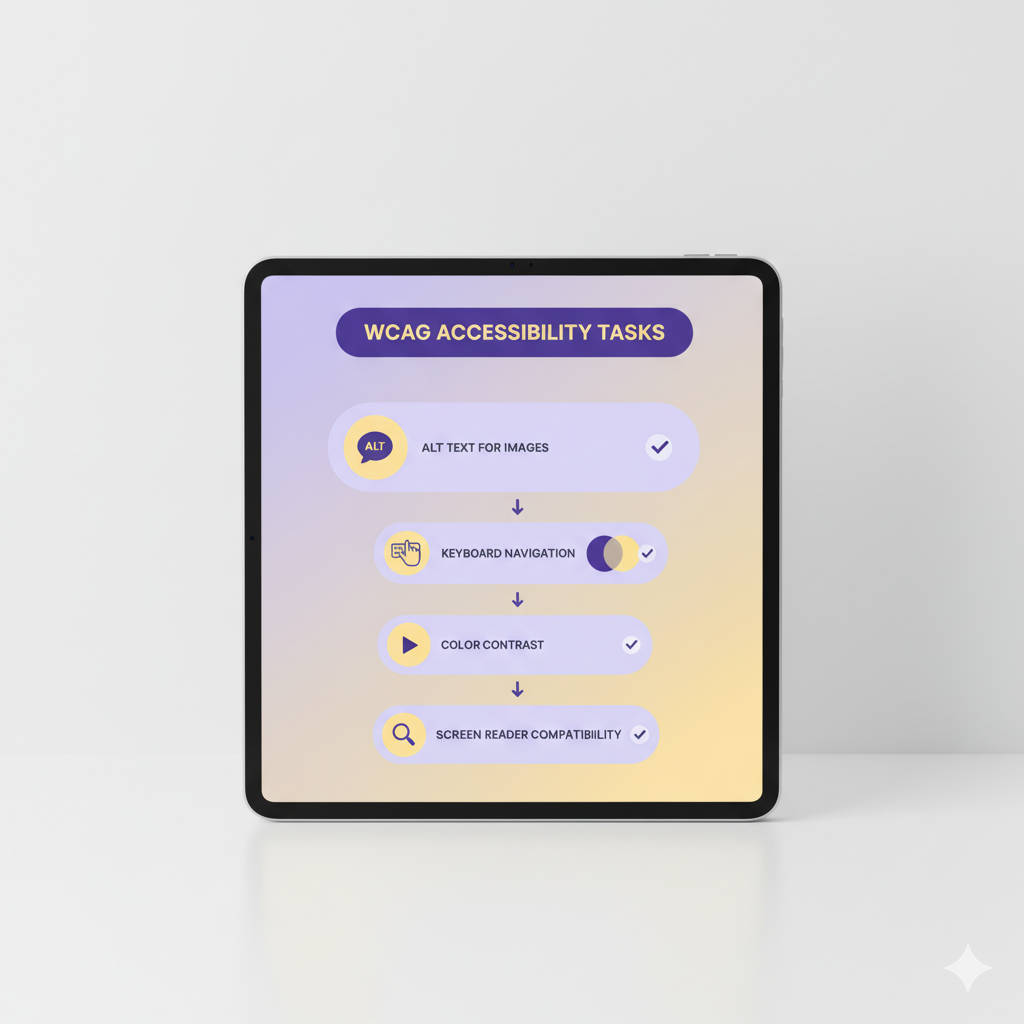
Your WCAG Compliance Checklist
Follow these steps to make your website accessible and WCAG-compliant:
- Add Descriptive Alt Text: Include meaningful alt text for all images to help screen readers describe visuals. For example:Avoid vague text like "image" or skipping alt attributes.<img src="product.jpg" alt="Red running shoes on a white background">
- Ensure Keyboard Navigation: Make sure all interactive elements (buttons, links, forms) are accessible via keyboard. Use semantic HTML and add
tabindexwhere needed:<button tabindex="0">Submit</button> - Use Semantic HTML: Structure your site with proper tags like <header>, <nav>, and <main> to aid screen readers. Avoid overusing <div> for everything.
- Check Color Contrast: Ensure text and background colors meet WCAG's minimum contrast ratio (4.5:1 for normal text). Use tools like WebAIM's Contrast Checker to verify.
- Test with Accessibility Tools: Run audits with tools like WAVE, axe, or Lighthouse (in Chrome DevTools) to identify issues. Fix errors like missing form labels or low-contrast elements.
Tools to Monitor Accessibility
Use these tools to track and improve your site's accessibility:
- WAVE: A browser extension to scan for WCAG violations.
- axe DevTools: Integrates with Chrome for detailed accessibility reports.
- Screen Readers: Test with NVDA (Windows) or VoiceOver (Mac) to simulate user experience.
Watch out for common pitfalls. Skipping alt text or using decorative images without alt="" can confuse screen readers. Ensure forms have clear labels—unlabeled inputs are a major barrier. Don't forget mobile users; test touch navigation for accessibility. Overlooking color contrast can exclude visually impaired users, so double-check ratios. Our team at The Bearded Developer can run accessibility audits and implement fixes, ensuring your site meets WCAG 2.1 standards without hassle.
Making your website accessible isn't just about compliance—it's about creating a better experience for everyone. A WCAG-compliant site boosts usability, SEO, and customer trust. Follow this checklist, test thoroughly, and make inclusivity a priority. Or, let The Bearded Developer handle the heavy lifting—we'll make your site as welcoming as a freshly trimmed beard.
Need Something Else?
Let's work together to create a custom solution that meets your needs. Contact us today.