Monitoring and Alerting: Staying Ahead of Website Problems
Learn how to set up comprehensive monitoring and alerting for your website to prevent downtime, catch performance issues early, and maintain customer trust.
Monitoring and Alerting: Staying Ahead of Website Problems
There's nothing quite like the sinking feeling of discovering your website has been down for hours—especially when you find out from an angry customer email rather than your own monitoring systems. I've been there, staring at server logs at 2 AM, wondering how long the site had been throwing errors while I was blissfully unaware. That experience taught me a crucial lesson: reactive troubleshooting is expensive, stressful, and damages customer trust. The smart approach is proactive monitoring that catches problems before they impact your users, giving you time to fix issues quietly and professionally.
Website monitoring isn't just about knowing when your site is down—it's about understanding performance trends, catching security issues early, and maintaining the reliability that modern customers expect. With the right monitoring and alerting strategy, you can transform from someone who fights fires to someone who prevents them. Let's explore how to build a monitoring system that keeps you informed without overwhelming you with noise, so you can focus on growing your business instead of constantly worrying about what might be broken.

The Foundation: What Actually Matters to Monitor
Before diving into tools and dashboards, let's establish what you actually need to monitor. Many businesses make the mistake of monitoring everything they can measure instead of focusing on what impacts their users and revenue. The key is to start with metrics that directly correlate to business outcomes.
- Uptime and Availability: The most fundamental metric—is your site accessible to users? This includes monitoring from multiple geographic locations since regional outages can affect different user segments.
- Response Time and Performance: Page load speeds directly impact conversion rates and user satisfaction. Monitor both your homepage and critical user journeys like checkout flows or contact forms.
- Core Business Transactions: Can users complete the actions that generate revenue? This might be placing orders, submitting forms, or accessing premium content.
- Security Indicators: Unusual traffic patterns, failed login attempts, or suspicious file changes that might indicate security issues before they become full breaches.
- Infrastructure Health: Server resources, database performance, and third-party service dependencies that could impact user experience if they fail.
Essential Monitoring Tools for Small Businesses
You don't need enterprise-grade monitoring solutions that cost thousands per month. There are excellent tools designed specifically for small businesses that provide comprehensive monitoring without breaking the budget or requiring a dedicated ops team to manage.
Uptime Monitoring Solutions:
Performance and Analytics:
Setting Up Smart Alerts: Signal vs Noise
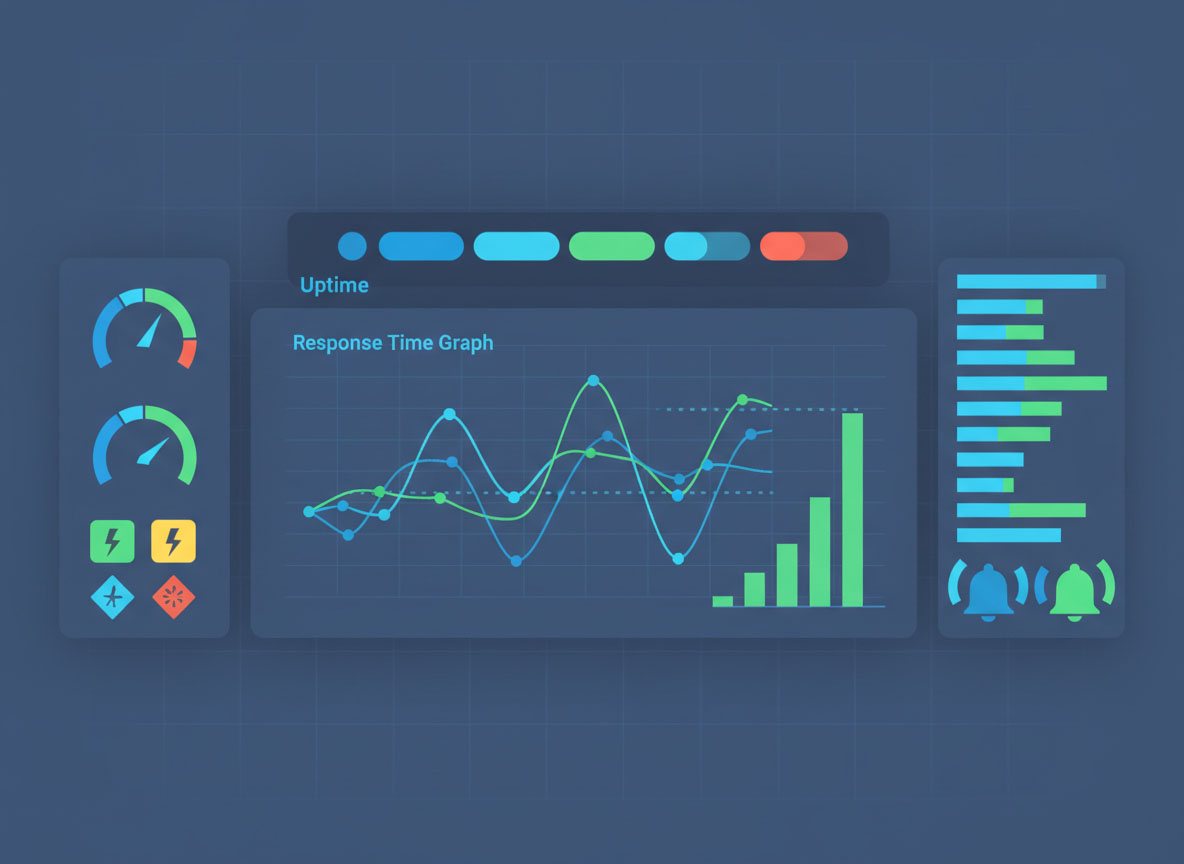
The biggest mistake in monitoring is creating alerts that cry wolf. If your phone buzzes every time there's a minor blip, you'll quickly learn to ignore alerts—including the critical ones. The goal is to receive alerts only when human intervention is required and action can be taken.
Alert Severity Levels:
- Critical (Immediate): Site completely down, payment processing failing, security breach detected. Wake you up at night.
- High (Within 1 Hour): Significant performance degradation, partial functionality loss, elevated error rates. Handle during business hours.
- Medium (Within 4 Hours): Performance trending poorly, non-critical features failing, resource usage approaching limits. Plan investigation.
- Low (Daily Summary): Minor issues, informational updates, trend reports. Review during regular maintenance windows.
Configure your alerts with appropriate thresholds and delays. A single failed check shouldn't trigger an alert—wait for multiple consecutive failures or failures from multiple locations. This prevents false alarms from temporary network blips while still catching real issues quickly.
Incident Response: When Alerts Actually Fire
Having great monitoring is only half the battle—you also need a clear plan for when things go wrong. A good incident response process reduces downtime and helps you learn from failures to prevent similar issues in the future.
Incident Response Playbook:
- Acknowledge the Alert: Confirm you've received the notification and are investigating. Update your status page if you have one.
- Assess the Scope: Is this affecting all users or just some? Which features are impacted? How long has it been happening?
- Implement Quick Fixes: If you know a temporary solution (restart a service, failover to backup), do it first to restore service.
- Investigate Root Cause: Once service is restored, dig into what actually caused the issue to prevent recurrence.
- Document and Learn: Write down what happened, what worked, what didn't, and how to prevent it next time.
Monitoring Different Types of Websites
Your monitoring strategy should adapt to your specific platform and business model. A Shopify store has different monitoring needs than a custom web application or a WordPress blog.
E-commerce Stores (Shopify/WooCommerce):
- Monitor checkout flow completion rates
- Track payment gateway availability
- Alert on inventory system failures
- Monitor CDN performance for product images
- Track third-party app integrations (shipping, reviews, etc.)
Custom Web Applications:
- Database connection and query performance
- API endpoint availability and response times
- Background job processing queues
- File upload and processing capabilities
- User authentication and session management
Content/Marketing Sites:
- Content delivery and caching performance
- Contact form submission capabilities
- Search functionality and results quality
- Newsletter signup and email delivery
- Social media integration and sharing features
Cost-Effective Monitoring for Growing Businesses
You can build a comprehensive monitoring system for under $50/month that covers most small business needs. Start with the essentials and add more sophisticated monitoring as your business grows and your requirements become more complex.
Starter Monitoring Stack ($20-30/month):
- UptimeRobot Pro for basic uptime monitoring
- Google Analytics and Search Console (free)
- CloudFlare Analytics (free with CloudFlare)
- Basic server monitoring from your hosting provider
Growth Monitoring Stack ($50-100/month):
- Pingdom or Better Uptime for advanced uptime monitoring
- New Relic for application performance monitoring
- LogRocket or FullStory for user experience monitoring
- Custom dashboard with key business metrics
Creating Your Monitoring Implementation Plan
Don't try to implement comprehensive monitoring all at once. Start with the basics and gradually build up your monitoring capabilities as you learn what matters most for your specific business.
30-Day Implementation Timeline:
Remember, the best monitoring system is one that actually gets used and maintained. Start simple, focus on metrics that matter to your business, and resist the temptation to monitor everything just because you can. Your goal is to sleep better at night knowing that if something important breaks, you'll know about it quickly and have a plan to fix it.
Proactive monitoring transforms you from someone who reacts to problems into someone who prevents them. It's the difference between frantically explaining downtime to customers and quietly fixing issues before anyone notices. The investment in proper monitoring pays for itself the first time it saves you from a major outage or helps you identify a performance issue before it impacts sales.
Ready to implement monitoring for your website but not sure where to start? The Bearded Developer team can help you design and implement a monitoring strategy tailored to your specific business needs—because peace of mind is priceless, but good monitoring doesn't have to be.
Need Something Else?
Let's work together to create a custom solution that meets your needs. Contact us today.