Optimizing Your Shopify Store for Speed and Conversions
Learn how to optimize your Shopify store for speed and conversions with our expert guide on performance tweaks and user experience improvements.
Optimizing Your Shopify Store: Speed Up Sales Without Breaking a Sweat
Running a Shopify store is like hosting a 24/7 digital shopfront—every second counts, and a sluggish site can send customers running faster than you can say "add to cart." Slow load times tank conversions, frustrate users, and ding your SEO rankings. But fear not, intrepid store owner! Optimizing your Shopify store for speed and conversions is easier than wrestling a bear, and we'll walk you through a practical, high-level approach to make your site zippy and sales-ready. Whether you're a small business or a growing e-commerce empire, these tips—paired with our web development expertise—will keep your customers clicking "buy" with a smile.
First, let's talk speed. Google loves fast websites, and so do your customers—studies show a one-second delay can slash conversions by up to 7%. Start by assessing your store's current performance using tools like Google PageSpeed Insights or Shopify's built-in analytics. Common culprits for sluggishness? Heavy images, bloated themes, and too many apps. Optimize images by compressing them (tools like TinyPNG work wonders) and using modern formats like WebP. Choose a lightweight, performance-focused theme—Shopify's Dawn is a solid starting point. And those shiny apps? Audit them ruthlessly; uninstall anything non-essential, as each app can add precious milliseconds to load times.

Next up, leverage browser caching and a Content Delivery Network (CDN). Shopify already uses a CDN, but you can maximize its benefits by ensuring your images and scripts are cache-friendly. Set up lazy loading for images so they only load when in view—great for long product pages. Minify CSS and JavaScript files to trim the fat; Shopify's theme editor or apps like Code Minifier can help here. Pro tip: Avoid render-blocking resources by deferring non-critical scripts. This keeps your store's "above the fold" content snappy, so customers see products, not a loading spinner.
Now, let's boost conversions. Speed gets customers to your store, but smart design keeps them there. Simplify navigation—use clear menus and a prominent search bar to help users find products fast. Optimize your product pages with high-quality images, concise descriptions, and compelling calls-to-action (think "Buy Now" over "Learn More"). Add trust signals like customer reviews or security badges to ease purchase anxiety. A/B testing tools like Shopify's own experiments or third-party apps (e.g., VWO) can help you tweak button colors or layouts to see what drives clicks. And don't sleep on mobile—over 50% of Shopify traffic is mobile, so ensure your theme is responsive and checkout is seamless.
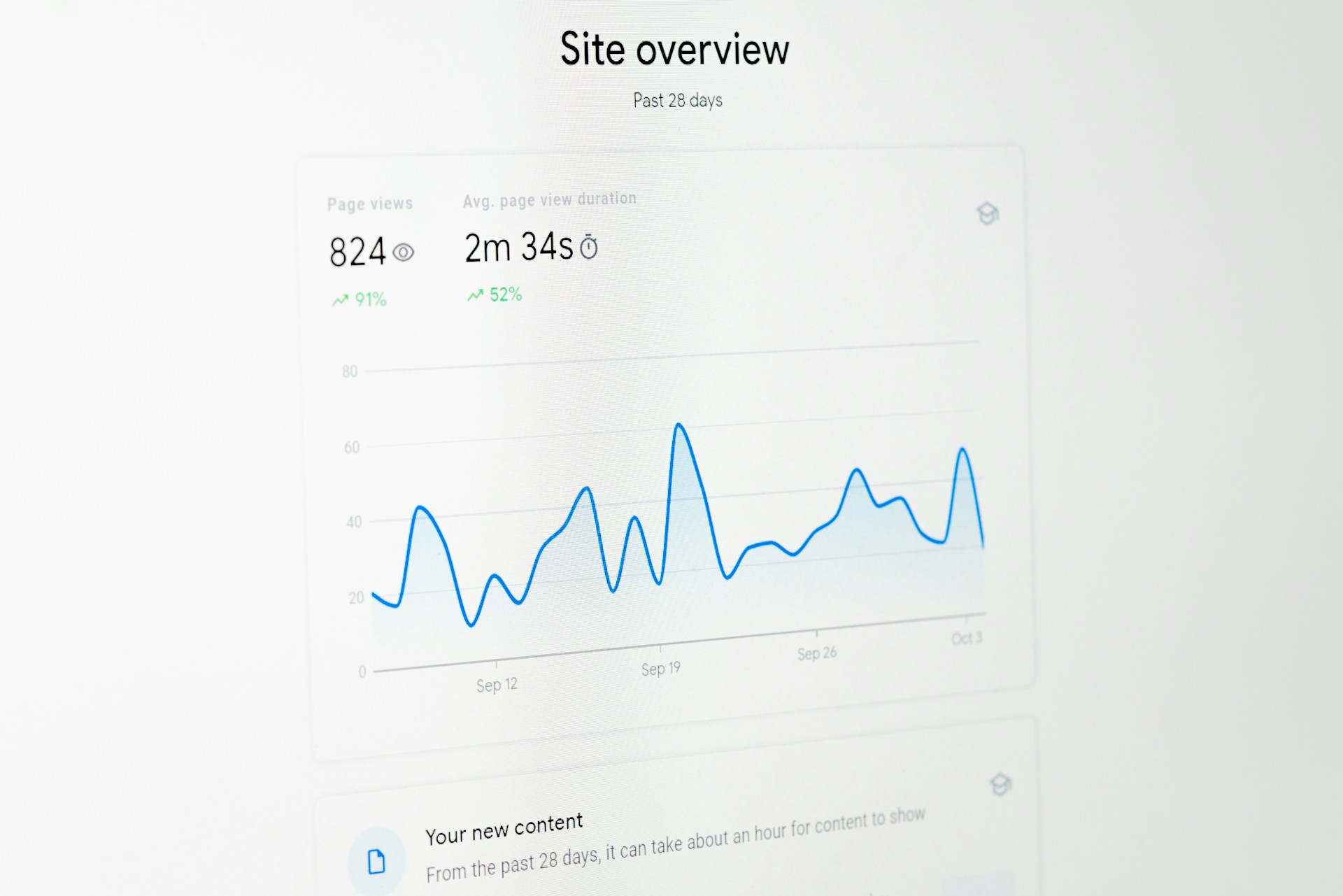
Here's a step-by-step plan to tie it all together. Start by running a performance audit to pinpoint bottlenecks. Next, optimize images and remove unused apps—aim for a PageSpeed score above 80. Then, implement lazy loading and minify code; check your site speed after each change. For conversions, streamline your checkout process (Shopify's one-page checkout is a lifesaver) and test one element at a time, like button placement. Monitor results over a week or two, using Shopify Analytics to track bounce rates and sales. Communicate changes to your team, and consider off-peak hours for major updates to avoid disrupting shoppers.
Of course, no optimization is glitch-free. Watch out for app conflicts—some plugins don't play nice with minified code. Ensure your SSL certificate is active to avoid "not secure" warnings. Back up your theme before tweaking, as a bad edit can break your storefront. And don't forget SEO—use descriptive alt text for images and keep URLs clean. The beauty of this approach? It's iterative, like a well-groomed beard. Small tweaks compound into big wins. If it feels overwhelming, our team at The Bearded Developer can handle the heavy lifting, from audits to custom optimizations.
In short, a fast, conversion-focused Shopify store isn't just a nice-to-have—it's your ticket to happier customers and fatter profits. By tackling speed and user experience with a few smart moves, you'll turn browsers into buyers. Ready to make your store a lean, mean, selling machine? Grab a coffee, dive into these tips, and let's get your Shopify site running like a dream. Or, you know, give us a shout—we're pretty good at this stuff.
Need Something Else?
Let's work together to create a custom solution that meets your needs. Contact us today.