Website Backup & Disaster Recovery: A Practical Guide for Small Businesses
Practical backup strategies, recovery playbook, testing cadence, and tooling recommendations for small businesses running websites on Shopify, self-hosted platforms, or cloud servers.
Website Backup & Disaster Recovery: A Practical Guide for Small Businesses
Losing your website to a hack, hosting outage, or accidental deletion is stressful—and expensive. Backups and a clear recovery playbook reduce downtime, protect revenue, and make incident response far less painful. This guide is practical and platform conscious: Shopify, self-hosted sites (WordPress/Magento), and cloud servers.
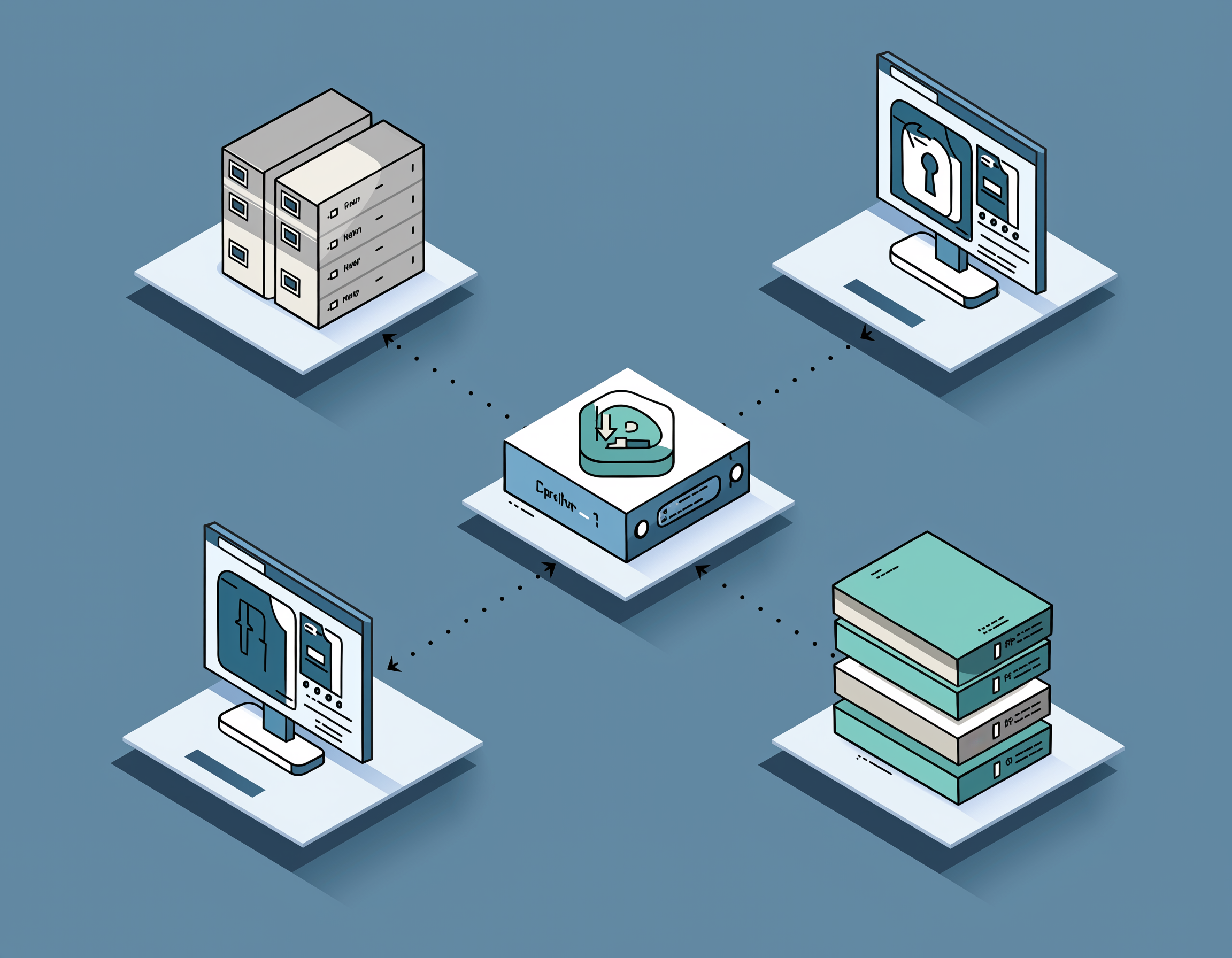
What to back up (and what to think about)
At a minimum: website files, databases, user uploads, DNS records, SSL certificates, and any configuration / environment variables. For SaaS platforms like Shopify, focus on theme files, product exports, and order/customer exports—understand platform limits.
Backup strategies that work
- 3-2-1 rule: Keep 3 copies, on 2 different media, with 1 copy offsite (eg. S3, remote object storage).
- Versioning + retention: Keep incremental backups and sensible retention windows (30–90 days for most SMBs).
- Automate and monitor: Scheduled jobs with notifications on failure are essential—manual backups fail when they’re needed most.
Quick restore examples
Here are minimal examples for common cases—adapt to your platform and test them in staging first.
# Export MySQL databasemysqldump -u user -p mydb > backup-$(date +%F).sql# Upload to S3 (Linux)aws s3 cp backup-2025-11-03.sql s3://my-backups/website/ --storage-class STANDARD_IA# Restore DBmysql -u user -p mydb < backup-2025-11-03.sql
Platform notes
- Shopify: Use an app or export product/customer/order CSVs regularly. Theme code can be versioned with Git (use a local copy) but some platform data requires API exports.
- Self-hosted (WordPress/Magento): Combine file sync (rsync) and DB dumps; consider managed backup solutions that support easy restores.
- Cloud servers: Use cloud snapshots for quick full-system restores; keep separate incremental backups for data stores and S3-style object storage for assets.
Disaster recovery playbook (summary)
- Triage: Determine scope (is site down, data loss, or data leak?).
- Choose restore target: staging first, verify integrity, then plan DNS/traffic cutover.
- Rotate credentials: After restore, rotate API keys, admin passwords, and any exposed secrets.
- Post-incident review: Document timeline, root cause, and update runbooks/tests.
Regularly test restores—backups are only useful if they work. If you would like, we can help create a restore drill tailored to your platform and recovery objectives.
Need Something Else?
Let's work together to create a custom solution that meets your needs. Contact us today.